
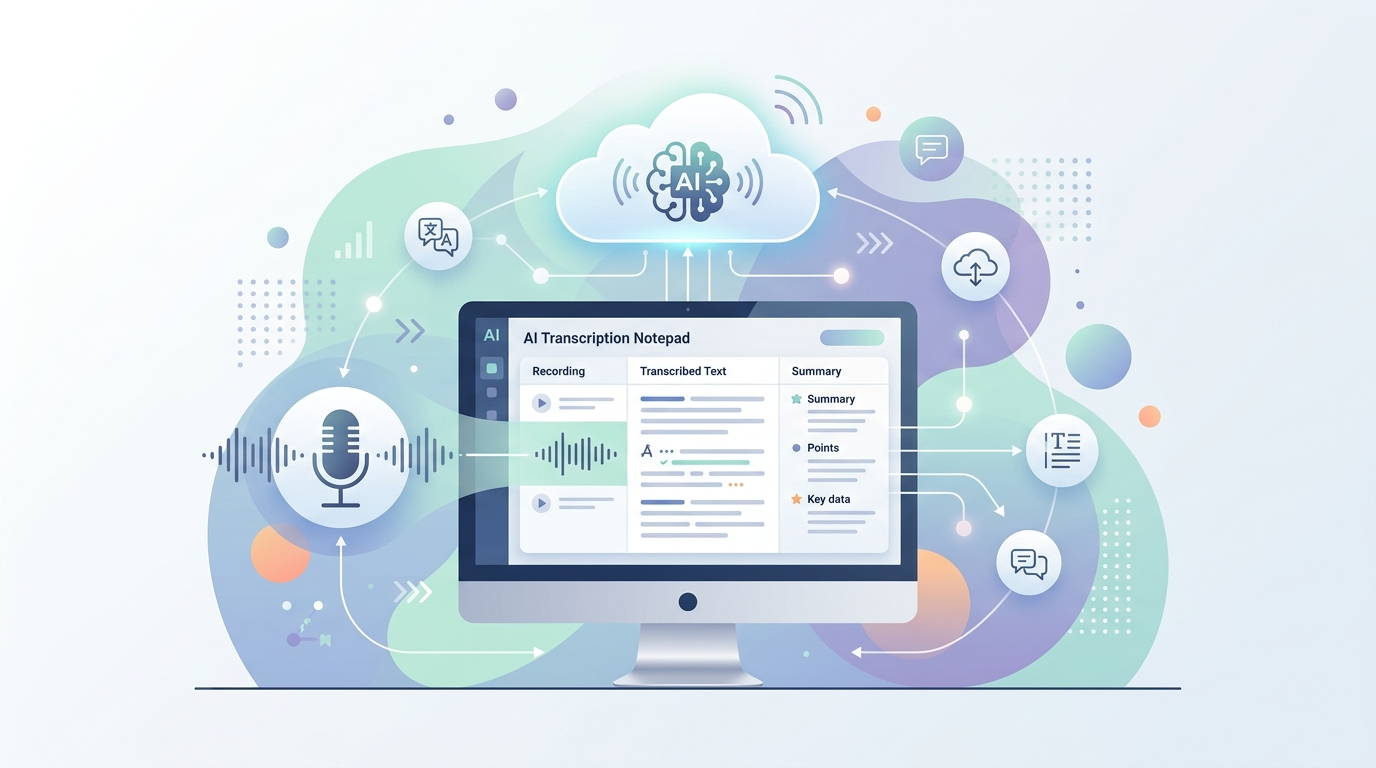
AI Transcription Notepad: multimodal cloud transcription for desktop
A desktop transcription app that sends audio directly to multimodal AI models for single-pass transcription and formatting.
Most transcription tools follow a two-step process: run ASR to get raw text, then send that text through an LLM for cleanup and formatting. AI Transcription Notepad takes a different approach — it sends audio directly to multimodal AI models that can transcribe and format in a single pass. The AI actually hears your voice, which means verbal commands like "scratch that" or "new paragraph" work naturally.
Why single-pass matters
When a model processes text-only output from an ASR engine, it loses all the audio context — tone, pauses, emphasis. By sending the audio directly to a multimodal model like Gemini, the AI can make better formatting decisions because it understands how you said something, not just what you said. It's also faster (one API call instead of two) and remarkably cheap: I've done 848 transcriptions for $1.17, which works out to about 1.4 cents per 1,000 words.
The dual-pipeline architecture
The app combines local preprocessing with cloud transcription. Locally, it normalizes audio levels (AGC), strips silence using VAD (typically a 30-80% size reduction), and compresses to 16kHz mono WAV. Then it builds a layered prompt and sends everything to Gemini via OpenRouter in a single API call.
Prompt stacks
One feature I'm particularly proud of is the prompt concatenation system. You can layer different prompt components — a foundation layer that handles filler word removal and punctuation, a format layer (email, meeting notes, blog post), a style layer (casual to professional), and personal touches like email signatures. These can be saved as reusable "Prompt Stacks" for recurring workflows.
Practical features
Beyond transcription, the app supports global hotkeys (record from anywhere, even minimized), flexible output options (app window, clipboard, or direct cursor injection), translation to 30+ languages in the same API call, and an analytics dashboard to track usage. It's available as an AppImage, .deb, or Windows installer.
This was built through AI-human collaboration — I designed the architecture and specified requirements while Claude wrote the implementation.
Try it out: AI Transcription Notepad on GitHub
danielrosehill/AI-Transcription-Notepad View on GitHub