
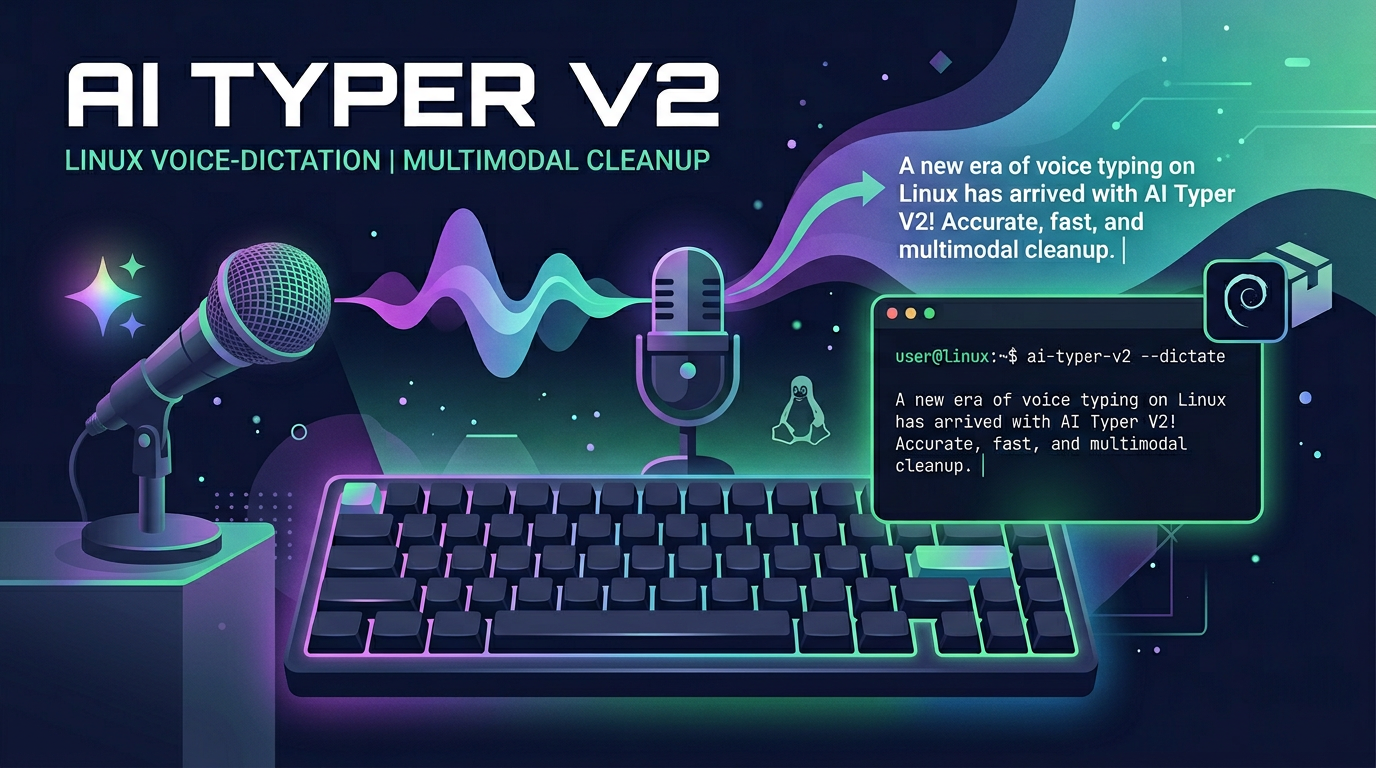
AI Typer V2 is a Linux dictation app that sends your audio straight to a multimodal model (currently Gemini 3 Flash by default) and gets back cleaned-up, formatted text in a single API call. No separate speech-to-text stage — the model transcribes and tidies in one pass.
Today's release, v0.5.5, is the current recommended build. Source and releases on GitHub: danielrosehill/AI-Typer-V2.
Where it's at now
The app records audio, runs voice-activity detection and automatic gain control locally, compresses to a 32 kbps mono MP3 (speech-appropriate, halves the payload), and sends the clip plus a cleanup prompt to the model in one call. The model decides the format from context — email, shopping list, meeting notes, bullets — or you can force one from the dropdown. There's a custom dictionary (CSV/JSON import-export) for post-processing substitutions, a retry workflow that re-sends the last clip with correction notes injected into the prompt, global hotkeys that work system-wide on Wayland, and three independent output toggles (show in window, clipboard, type at cursor) that are each bindable to their own hotkey.
Default model: google/gemini-3-flash-preview via OpenRouter. Voxtral is faster but has been demoted because it too often treats dictation content as a chat instruction in single-pass mode (say "write me a haiku" and it writes one instead of transcribing the sentence). If you have a Mistral API key, the app will route Mistral models direct to api.mistral.ai and bypass OpenRouter.
Download
Debian package (Ubuntu/Debian, amd64): ai-typer-v2_0.5.5_amd64.deb (~80 MB).
Release notes and checksums: v0.5.5 on GitHub.
Install
Install the system dependencies first (on Ubuntu/Debian):
sudo apt install ffmpeg portaudio19-dev libc++1 wl-clipboard ydotool
Then install the .deb:
sudo apt install ./ai-typer-v2_0.5.5_amd64.deb
Launch it from the application menu or run ai-typer-v2 from a terminal. On first launch it'll prompt for an OpenRouter API key (openrouter.ai). A Mistral key is optional and only needed if you want direct routing for Voxtral.
Prefer running from source? Clone the repo and run ./run.sh — it sets up a venv and launches the app.