
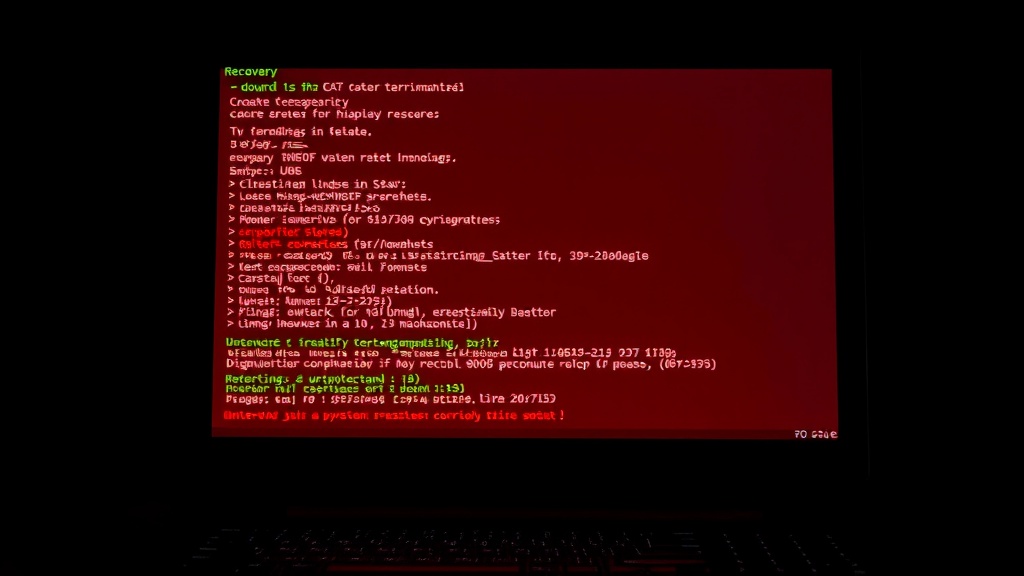
Claude System Recovery Mode: AI-Assisted Linux System Rescue via GRUB
A custom GRUB boot entry that replaces the blank recovery shell with Claude CLI, providing AI-guided system diagnosis and repair.
The Project
https://github.com/danielrosehill/Claude-System-Recovery-Mode
danielrosehill/Claude-System-Recovery-Mode View on GitHubWhen a Linux system breaks badly enough that you need to boot into recovery mode, you are typically greeted by a sparse root shell with no graphical environment, no browser, and only your memory of the right commands between you and a fixed system. This project replaces that experience with something considerably more helpful: an AI-powered recovery assistant that launches directly from GRUB.
How It Works
Claude System Recovery Mode adds a custom entry to your GRUB boot menu. Selecting it boots into a text-only TTY with networking enabled, auto-logs in as your specified user, and launches Claude CLI immediately. From there, a single /start command kicks off the full recovery workflow: system profiling, diagnosis gathering, and guided remediation.
Installation is a one-liner:
curl -fsSL https://bit.ly/claude-rescue | sudo bash
Recovery Agents and Commands
The project includes pre-configured agents for different recovery domains: diagnostics, log analysis, network troubleshooting, disk issues, service management, and package problems. Slash commands provide quick access to common recovery tasks. The recovery tools can be updated from GitHub with a single command, and if Claude CLI is not already installed, the bootstrap script will attempt to install it automatically.
The project targets Ubuntu and Debian-based distributions using systemd and GRUB2, though the README notes that adaptation to other GRUB-supporting operating systems should be straightforward. Requirements are minimal: a working internet connection (for the Claude API) and an Anthropic API key configured for Claude CLI.
Why This Matters
This is one of the more creative applications of Claude Code I have built. System recovery is stressful, time-sensitive, and typically requires knowledge that even experienced administrators sometimes need to look up. Having an AI assistant available at the recovery shell, one that can read logs, diagnose issues, and walk you through fixes step by step, significantly lowers the bar for successful system repair.
It also demonstrates that agentic AI tools are not confined to development workflows. When you can boot directly into an AI-assisted environment, the boundary between a coding assistant and a system administrator starts to dissolve.