
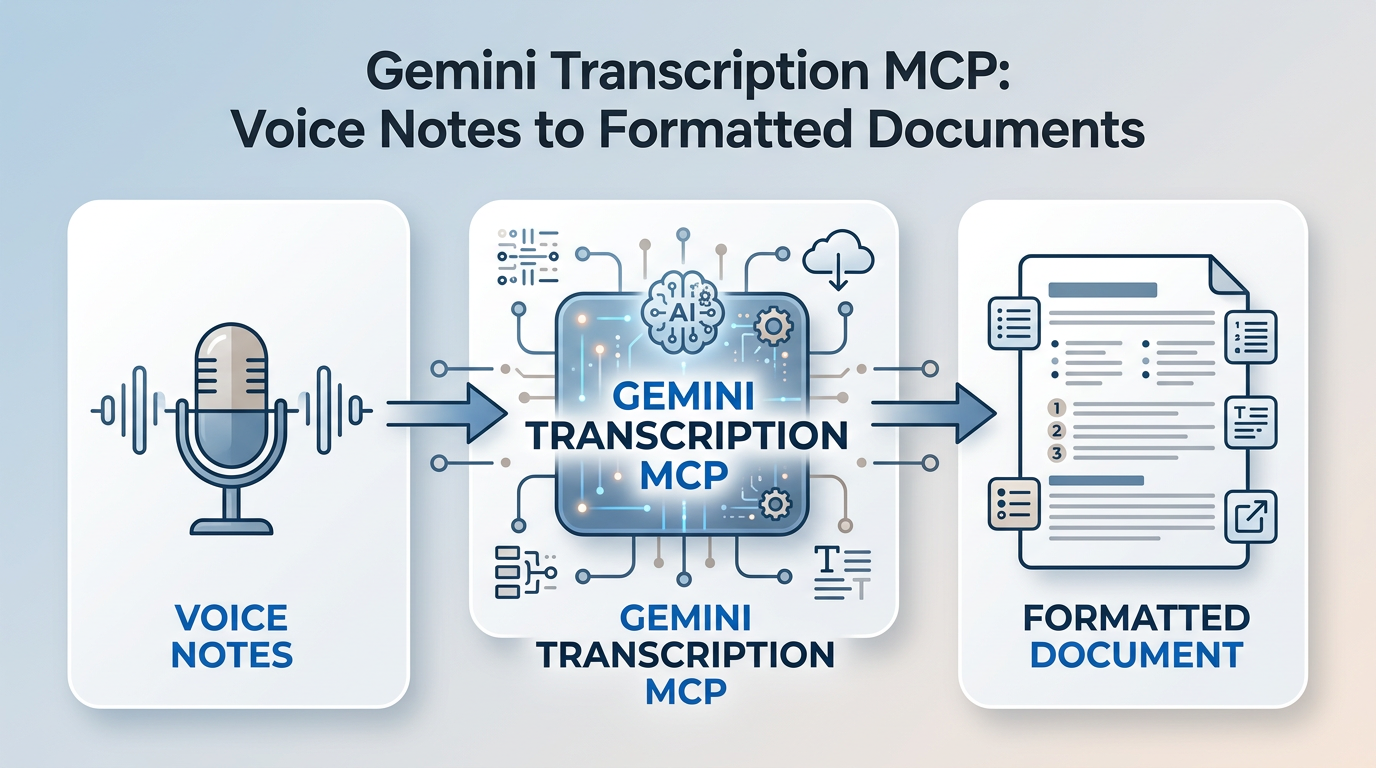
Gemini Transcription MCP: Voice Notes to Formatted Documents via Claude
An MCP server that turns audio files into transcripts, meeting notes, blog posts, emails, and dev specs using Google Gemini — with 200+ transformation presets, VAD preprocessing, and SSH file retrieval.
I record a lot of voice notes — ideas, meeting recaps, stream-of-consciousness project planning. The problem was always the gap between recording and having something usable. Raw transcription gets you text, but it's full of filler words, false starts, and zero structure. What I wanted was to speak into a microphone and get back a formatted blog outline, a clean meeting summary, or a development spec.
Gemini Transcription MCP is the MCP server I built to do exactly that. It uses Google's Gemini multimodal API (via OpenRouter) to transcribe audio and then transform the output into whatever format you need — with 200+ presets and full custom prompt support.
Seven Transcription Tools
The server exposes seven specialized tools, each tuned for a different use case:
transcribe_audio — The recommended default. Returns a lightly edited transcript: filler words removed, verbal corrections applied ("wait, I meant bananas" gets fixed), punctuation added, markdown subheadings generated for structure.
transcribe_audio_raw — Verbatim transcription with minimal cleanup. Preserves filler words and false starts. Only applies essential fixes: spelled-out words, incomplete sentences, basic punctuation.
transcribe_audio_vad — Voice Activity Detection preprocessing using the Silero VAD model. Strips silence and non-speech audio before transcription. Essential for recordings with long pauses or background noise.
transcribe_audio_format — Transcribe and format as a specific document type: email, to-do list, meeting notes, technical document, blog post, executive summary, letter, report, or outline. Applies format-specific structural conventions automatically.
transcribe_with_preset — Uses curated presets from a library of 200+ transformations. Style presets modify tone (formal, academic, journalistic, shakespearean, dejargonizer). Format presets restructure into document types (blog_outline, meeting_minutes, bug_report, cover_letter, tech_documentation). Supports fuzzy matching.
transcribe_audio_custom — Full control via a user-defined prompt. Whatever specialized transcription instructions you need.
list_transcription_presets — Lists all available presets, filterable by category (style or format) and searchable by name.
Three Ways to Feed It Audio
Every tool supports all three input methods:
Base64-encoded content — passed directly in the request
HTTP/HTTPS URLs — streaming download, no memory buffering
SSH/SCP retrieval — pull files from remote machines via SCP (local deployment only, requires SSH key access)
Audio Processing Pipeline
The server handles format conversion and compression automatically via ffmpeg:
Native formats (MP3, WAV, OGG, FLAC, AAC, AIFF) pass through directly
Non-native formats (Opus, M4A, WebM, WMA, AMR, 3GP, CAF) auto-convert to OGG/Opus
Large files (>15MB) get downsampled to OGG/Opus at 16kHz, 24kbps, mono — a 1-hour WAV (~600MB) compresses to ~10MB while maintaining transcription quality
100MB absolute maximum file size limit
Deployment Options
Local (stdio) for Claude Code / Claude Desktop:
npx gemini-transcription-mcp
Remote (Docker/HTTP) for containerized deployments:
docker run -d -p 3000:3000 -e OPENROUTER_API_KEY=your-key ghcr.io/danielrosehill/gemini-transcription-mcp
The Docker image includes ffmpeg and exposes a streamable HTTP endpoint at /mcp plus a health check at /health.
Configuration
OPENROUTER_API_KEY— required, for accessing Gemini via OpenRouterOPENROUTER_MODEL— optional, defaults to Gemini Flash Lite. Useflashfor the more capable modelTRANSCRIPT_OUTPUT_DIR— optional, auto-saves transcripts as markdown files with slugified titles
The repo is at github.com/danielrosehill/Gemini-Transcription-MCP — published on npm as gemini-transcription-mcp.
MCP for Gemini multimodal audio transcription with built in post-processing