
My AI stack: tools and infrastructure for a productivity-focused setup
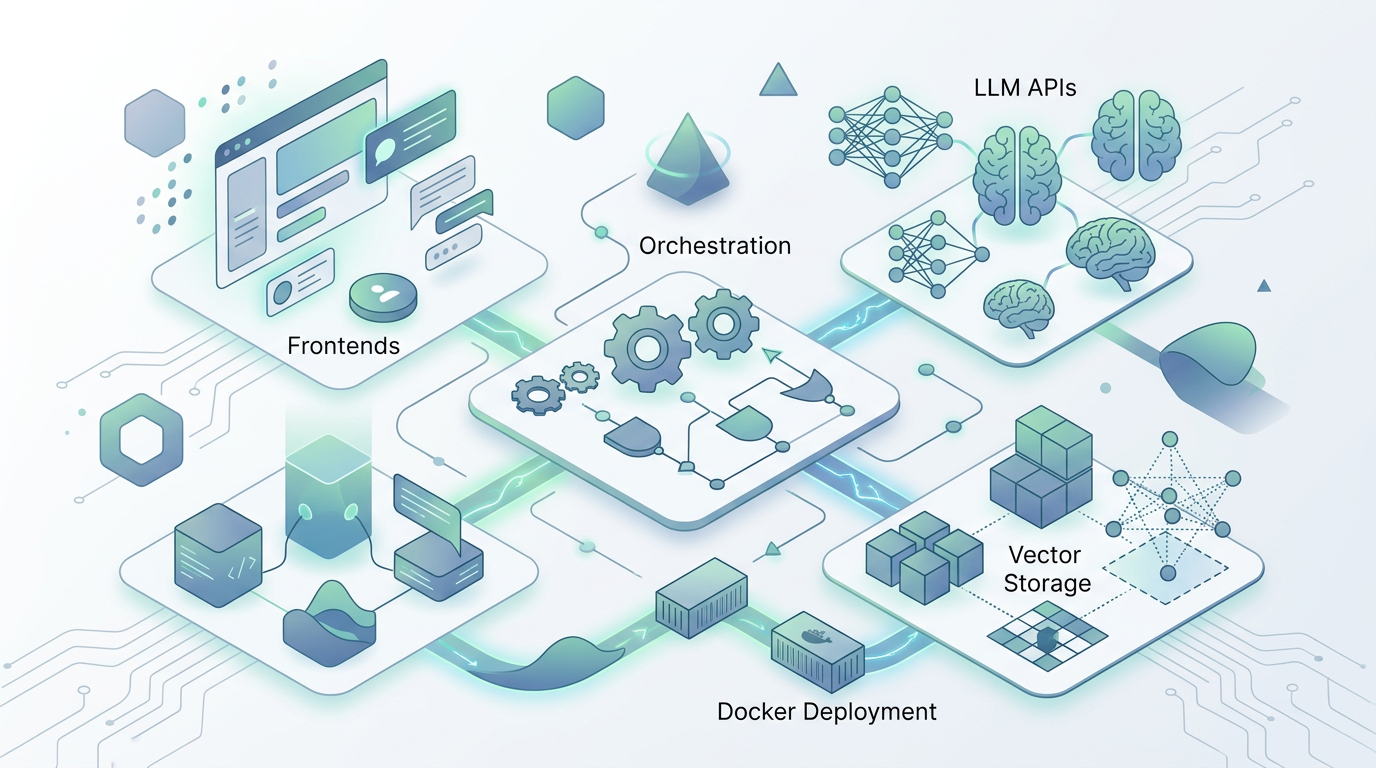
A detailed look at my constantly evolving AI stack, from LLM APIs and frontends to vector storage, orchestration, and Docker deployment.
I keep a living document of the AI tools and infrastructure I use, partly because the landscape changes so fast that I'd lose track of my own setup without one, and partly because other people keep asking what I'm running. My AI Stack repository on GitHub documents everything from the LLM APIs I rely on to the Docker Compose configuration that ties it all together. Fair warning: this stack is in constant flux. What I describe here is accurate as of writing but will almost certainly have shifted by the time you read it — that's the nature of working with AI tooling in 2026.
Periodically updated documentation about current AI stack/favorite components
LLM APIs and why I route through OpenRouter
I access LLMs primarily via API through OpenRouter, which gives me consolidated billing and the ability to switch between models without managing separate API keys and accounts for each provider. My primary workhorse is Google's Flash model for its combination of fast inference and large context window — when you're doing the kind of rapid-fire prototyping and research I do daily, response latency matters more than you'd think. Qwen handles most of my code generation tasks where I need something beyond Claude Code, and Cohere has become my go-to for instructional text work where precise formatting and structured output matter. The flexibility to switch models per-task without changing infrastructure is genuinely valuable; different models have different strengths, and a single provider interface lets you exploit that without juggling credentials.
The self-hosted layer
On the frontend, Open Web UI is far and away the most impressive open-source LLM interface I've tested — it's been my primary chat interface for months and keeps getting better. I run it backed by PostgreSQL for long-term stability rather than the default SQLite, which made a noticeable difference in reliability once my conversation history grew past a few thousand entries. For vector storage, Qdrant keeps my personal context data decoupled from any specific vendor, avoiding the lock-in that comes with using OpenAI's assistant API for storage — a decision I'm particularly glad I made early, given how much I've invested in building out my context repositories. Whisper AI has been transformative for speech-to-text; I use it as a Chrome extension for many hours a day and the accuracy is good enough that I've shifted a significant portion of my written communication to dictation.
Orchestration, agents, and creative tools
N8N handles workflow orchestration — automating the kind of multi-step processes that would otherwise require manual intervention between AI tools. I've open-sourced over 600 system prompts for simple, focused AI assistants, which has become one of my most-used repositories. For creative work, Leonardo AI handles image generation and Runway ML covers video. Langflow provides visual workflow building for prototyping AI pipelines before committing to code. The whole stack runs in Docker Compose — OpenWebUI, PostgreSQL, Qdrant, Redis, Langflow, N8N, and monitoring tools — which means I can tear down and rebuild the entire thing from a single YAML file. That portability turned out to be more practically useful than I expected; I've migrated the stack between machines twice already and each time it was a fifteen-minute operation rather than a multi-day configuration nightmare. The full stack with Docker configuration is on GitHub.
Periodically updated documentation about current AI stack/favorite components